Yendo Payment Calculator
Easily estimate your Yendo monthly payments. Use the calculator below to see what your payments could look like, based on your balance and repayment options.
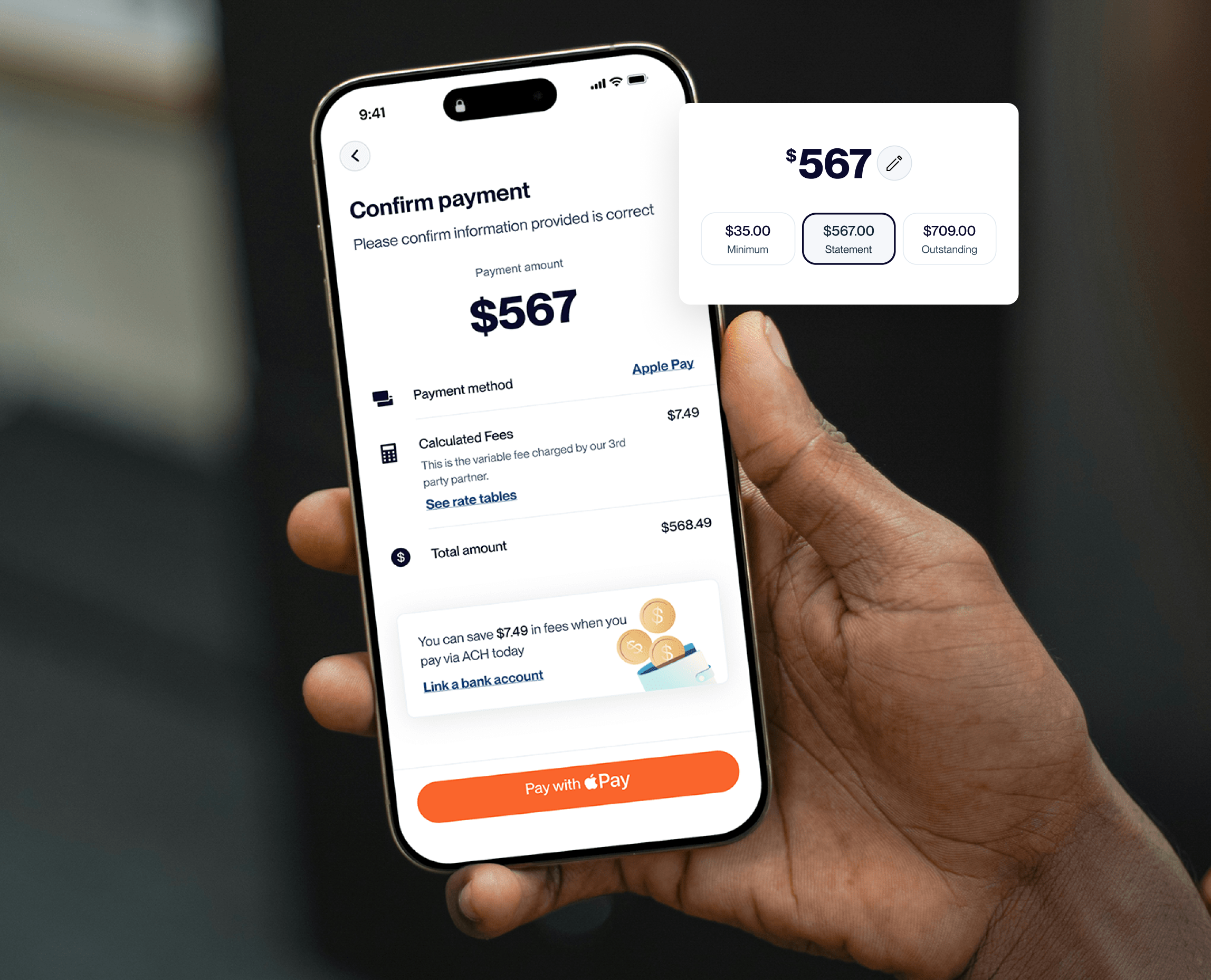

Ways to pay your Yendo credit card
Autopay

Bank ACH

Pay by mail or phone
Learn more about Yendo

What is vehicle equity?

Yendo’s vehicle id verification process

Yendo’s Title Submission and Title/Lien Release Process: A Complete Guide
We’re here to help
Have questions about how payments works? We’ve got you covered.

If you pay the outstanding balance in full, every month. You won’t accumulate interest (based on start and end of billing cycle).
A statement balance shows you the minimum amount due for the month. Your current balance is the full amount owed, to bring your account to a zero balance.
In the app, select the Account tab at the bottom of the screen. Under the Payments section, choose Auto Pay. You can set the payment amount to be automatically deducted each month. Then, select an existing payment method or add a new ACH.
1. Fully Secured: 1% of the principle balance + fees + Interest or $50 whichever is greater
2. Auto Refi: Monthly Auto Payment + 1% principle balance of transactions + fees + interest or $50 whichever is greater
With your first statement, you will be charged a $40 annual fee. For each cash advance, there will be a charge of $3 or 3% of the amount of the cash advance, whichever is greater.

Apply today
Access up to $10,000 in credit with Yendo.